Guide, 2026
My photos get retouched while I drink tea or get on with other things. Then I get to do the part I enjoy most: go over each photo with a brush and press one button.
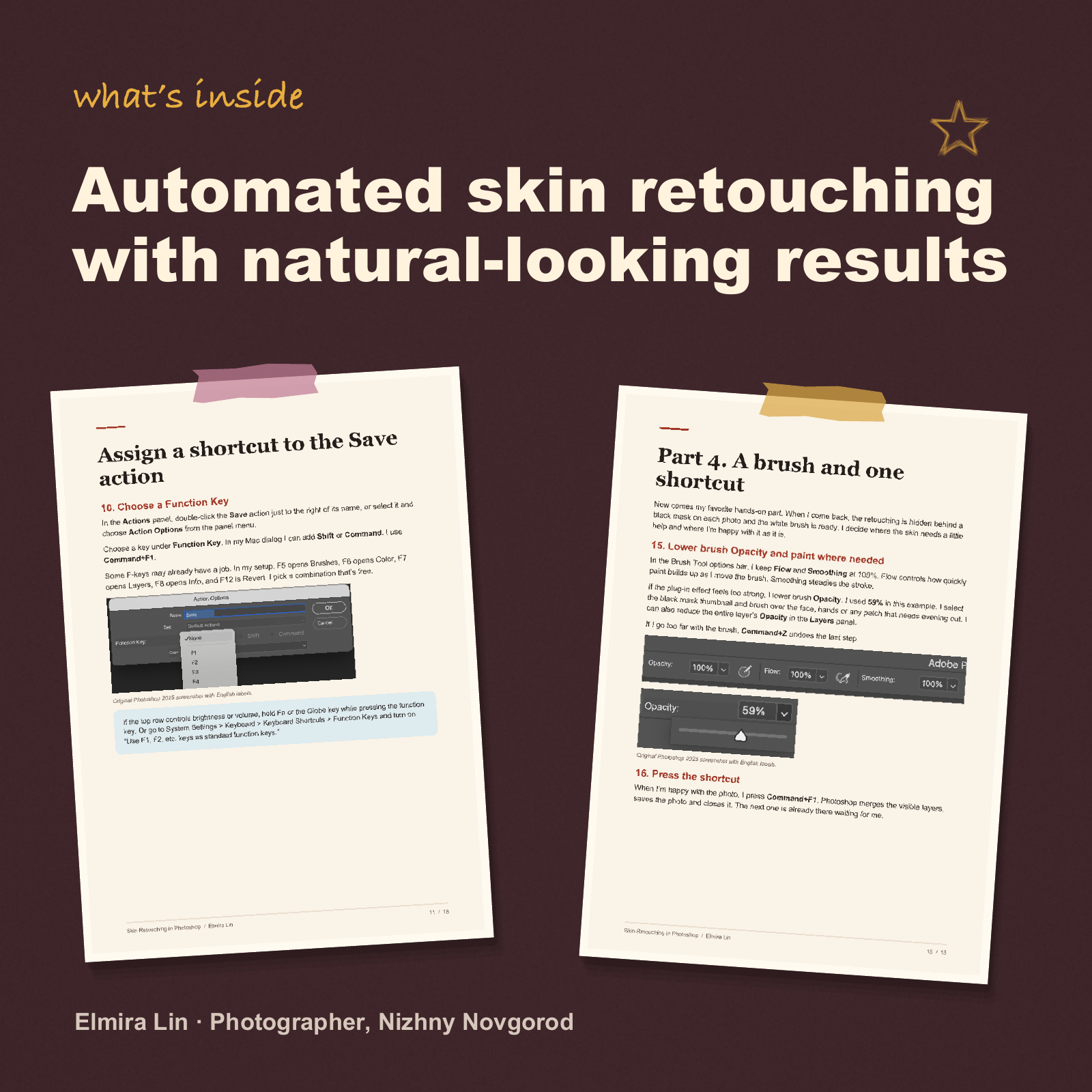
In this guide, I show you how I do it. And that’s pretty much all the skin retouching I do. Sometimes I make a small adjustment with Liquify or touch up a spot here and there with the Patch Tool or the Clone Stamp Tool. That’s it.
What’s inside
- My two Photoshop actions that do almost all the work for me
- How I run the retouching on a whole batch of photos at once
- How I use a layer mask and a white brush to preserve natural skin texture
- My keyboard shortcuts for Mac and Windows
- Screenshots for every step
- My promo code for the plug-in


A guide for the price of a little cake
My workflow uses the Retouch4me Dodge Burn plug-in. It’s a paid plug-in that you buy separately from the Retouch4me website.
Inside the guide, you’ll find my promo code for 20% off!
The prices shown are for Russia. When you select Russia on the Retouch4me website, prices are displayed in rubles and are noticeably lower. Prices change from time to time, so I’d check the current price before buying.
Why I keep the price low
This guide focuses on one specific part of my editing workflow, and it happens to be the most important part of how I retouch skin. That’s why I can keep it affordable. I put out these little guides one at a time, whenever I have an idea and the time to write it up.
Why I love this plug-in
You can buy the plug-in without the guide. The trick is knowing how to use it so the skin doesn’t look blurred or overly smooth. In the guide, I show you exactly how I use it. I automate the first pass, and the skin still looks like skin, with its natural texture intact. In my own work, it’s already paid for itself five hundred times over.
The plug-in comes with a lifetime license. You buy it once, and updates are free. You’ll need a reasonably capable computer. On Windows, that means Windows 10 or later and a graphics card with at least 4 GB of VRAM and OpenCL support. On Mac, you’ll need a 2015 model or newer running macOS 10.15 or later. If you’d like to try it first, Retouch4me offers a free demo.
Who this guide is for
Anyone who works in Photoshop and wants to retouch skin faster while keeping it looking natural, with its texture intact.
Who might want a more in-depth course
Anyone looking for a full retouching course with manual techniques and a pore-by-pore walkthrough. This guide covers one specific workflow that I use myself.
I really wanted to share my promo code so you could get an extra discount. I earn a small commission each time someone buys through my affiliate link, so it counts as advertising under the law. That’s why I’ve included the disclosure below. I hope you don’t mind. I’ve used this plug-in every day since it came out, and I genuinely recommend it.